Payload and volume limits per vehicle model, with a warning threshold below the maximum - so a load is checked against something.
Fleet Loading Capacity (technical name viin_fleet_loading_capacity) is an Odoo 17.0 app for Odoo Community and Odoo Enterprise and Viindoo Cloud, built for dispatcher, fleet manager, warehouse, compliance.
The facts of Fleet Loading Capacity, version 1.1.1, in one place. Published by Viindoo.
Two screens.
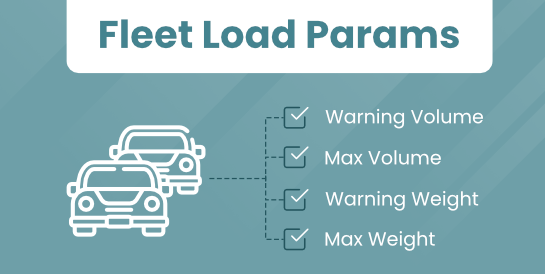
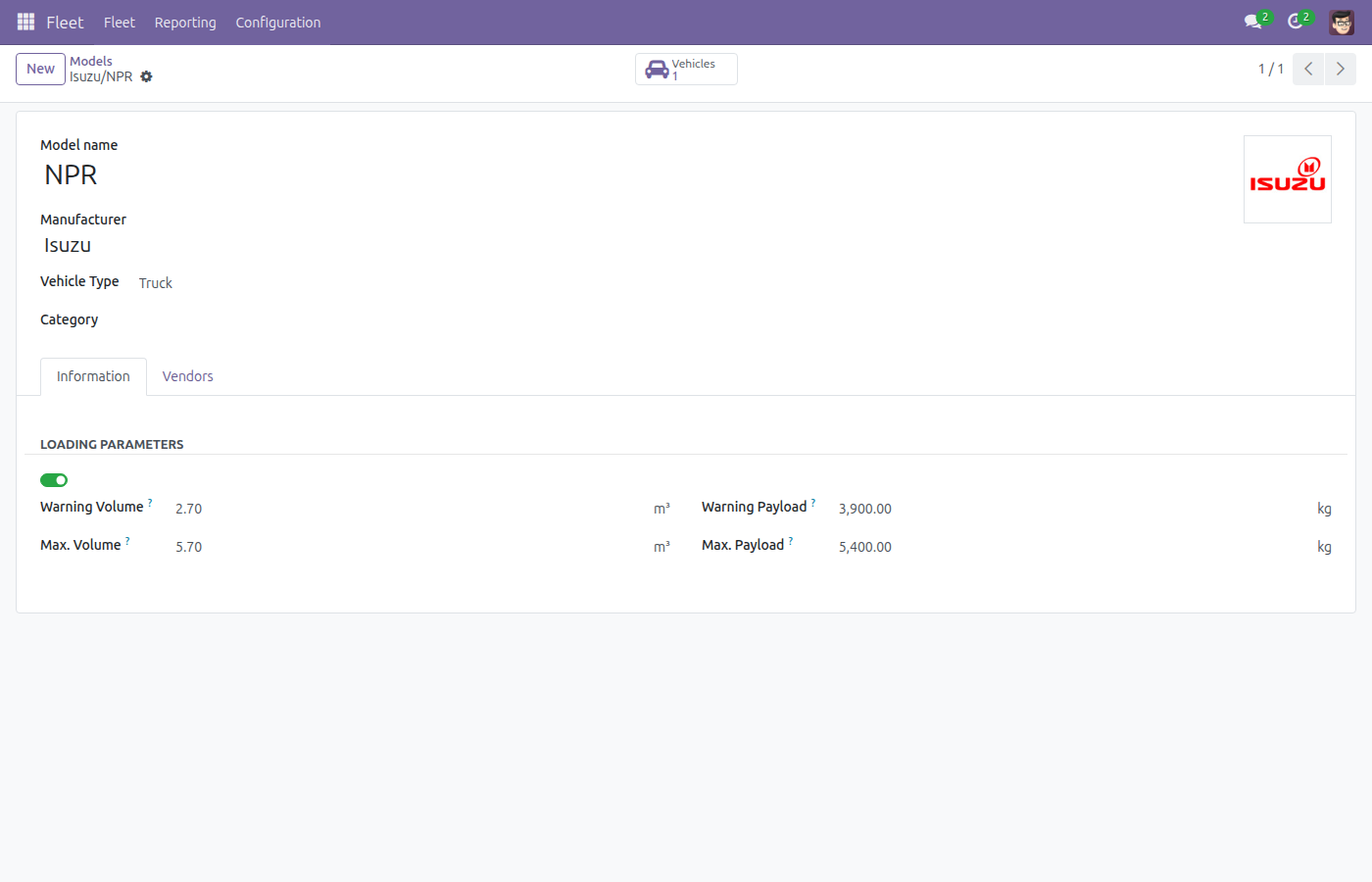
Maximum payload and volume, and the warning level a planner should stop at.
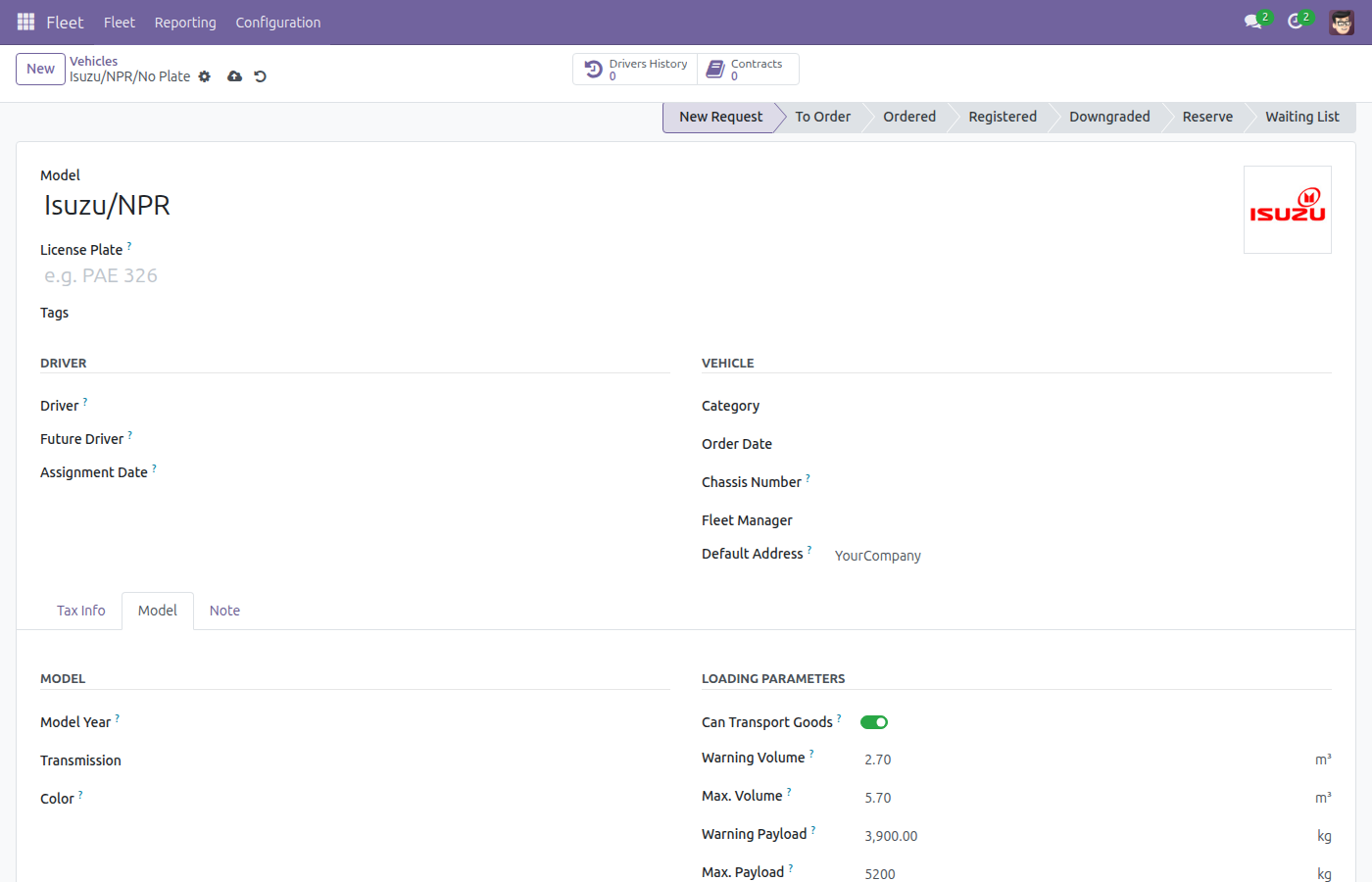
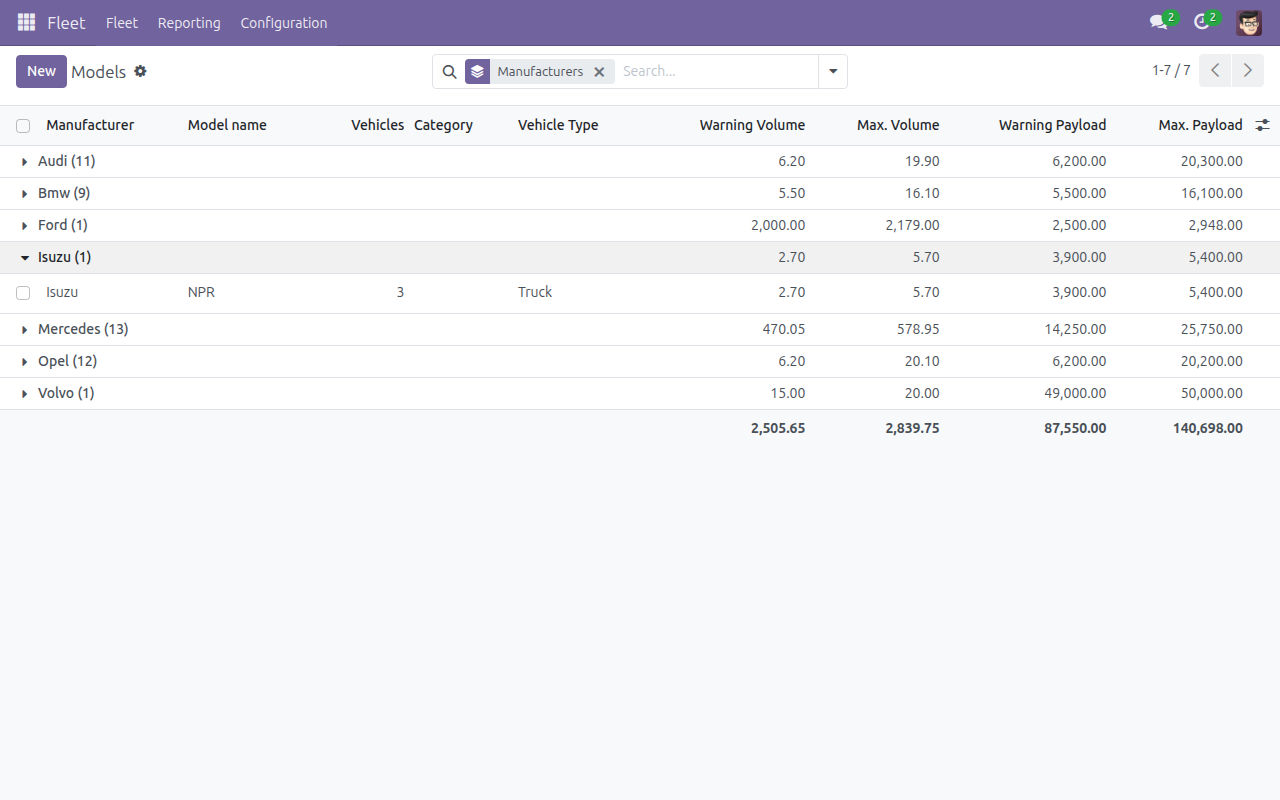
Set once per model; every vehicle of that model inherits it.
Unchanged - the capacity comes from the model they belong to.
Maximum payload and maximum volume per vehicle model
A warning level below each maximum
A flag for models that carry goods at all
Stored on the model, inherited by every vehicle of it
Read by the loading and dispatch modules
No new screen - the fleet model form you already use
Everything below was taken on a database seeded with real business data, on this series - not a mock-up and not a screenshot from an older version.
Vehicles
Read this before you buy. Everything below is something the app deliberately leaves to another app or to you.
It stores the limits; enforcing them is the loading and dispatch modules' job.
Two identical trucks have the same capacity - a per-unit exception would be a different field.
Weight and volume of a load come from the products being moved.
One payload and one volume figure - what a planner can actually use.
Apps from the same stack, built to fit this one:
Loads against a number instead of an impression.
Records the limits once per model, not per vehicle.
Knows when a shipment needs a bigger truck.
Has the payload limit written down where the fleet lives.
Payload and volume limits per vehicle model, with a warning threshold below the maximum - so a load is checked against something.
It does not stop an overload. It stores the limits; enforcing them is the loading and dispatch modules' job. Per model, not per vehicle. Two identical trucks have the same capacity - a per-unit exception would be a different field. It does not weigh anything. Weight and volume of a load come from the products being moved. No axle or legal limits. One payload and one volume figure - what a planner can actually use.
Dispatcher: Loads against a number instead of an impression. Fleet manager: Records the limits once per model, not per vehicle. Warehouse: Knows when a shipment needs a bigger truck. Compliance: Has the payload limit written down where the fleet lives.
Odoo 17.0 - Odoo Community, Odoo Enterprise, Viindoo Cloud. Upgrades to a newer Odoo series are a separate purchase for that series.
It installs on top of: viin_fleet. Odoo installs them with it.
Two screens.
Fleet and Inventory (viin_fleet_stock): Loads whose weight and volume are checked against this. Fleet Planning (viin_fleet_planning): The dispatch board that plans them. Logistics (viin_logistics): The freight layer above.
Yes - the Live Preview button at the top of this page opens the module's own screen on a working database.
Write to apps.support@viindoo.com with your Odoo version and the technical name viin_fleet_loading_capacity; pre-sales questions go to sales@viindoo.com.
Live demo: v17demo-int.viindoo.com/web#action=fleet.fleet_vehicle_model_action
For questions, implementation support or a custom feature, contact Viindoo.
Upgrades to a newer Odoo series are a separate purchase for that series.
All Viindoo apps: apps.odoo.com/apps/modules/browse?author=Viindoo