Viindoo Logo
Odoo Community
Odoo Enterprise
Viindoo Cloud

Who has the car on Thursday

Vehicle bookings with a driver, a purpose, a period and an approval - so a shared fleet stops being a conversation in a chat group.

Fleet Booking & Trip Management (technical name viin_fleet_booking) is an Odoo 17.0 app for Odoo Community and Odoo Enterprise and Viindoo Cloud, built for employee, fleet manager, driver, manager.

Who has the car on Thursday

At a Glance

The facts of Fleet Booking & Trip Management, version 1.1.1, in one place. Published by .

Technical name
viin_fleet_booking
Odoo version
17.0 (Odoo Community, Odoo Enterprise, Viindoo Cloud)
Category
Human Resources/Fleet
Depends on
viin_qrcode, viin_fleet_loading_capacity, viin_hr, to_fleet_driver
Adds
12 new models, 12 extended models, 20 menus, 1 report, 1 scheduled action, 18 settings, 3 access groups
Licence
OPL-1
Best for
Employee; Fleet manager; Driver; Manager
Not for
It is not a route planner.
Last updated
2026-09-06
Key features
Bookings with vehicle, driver, purpose and period, State from draft to confirmed, with approval where required, Against the vehicles and drivers the fleet already holds, Visible as a list and per vehicle, so conflicts surface early, Works with the approval engine for policies that need a signature, The basis for cargo, accounting and stock extensions

How It Works

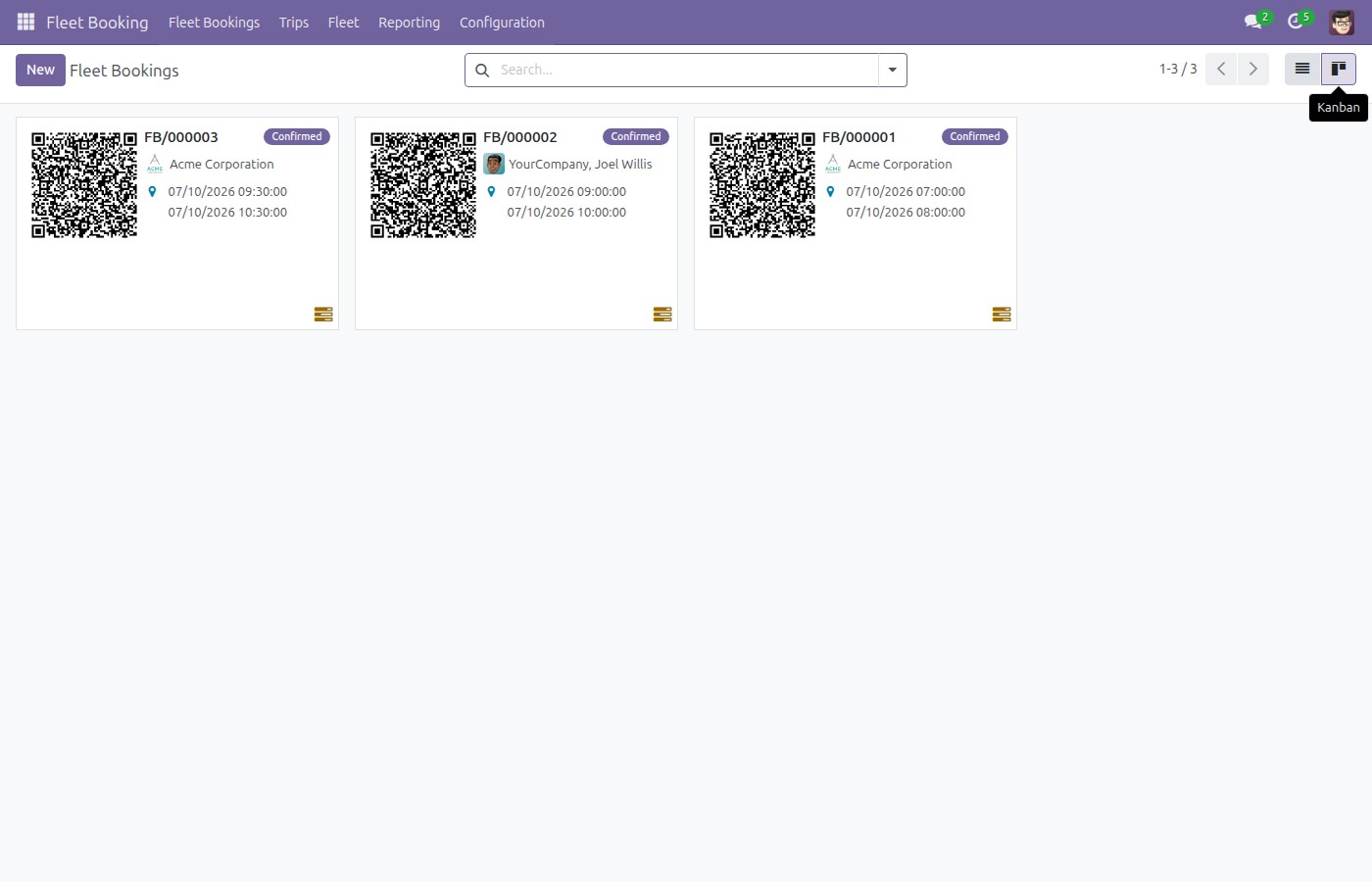
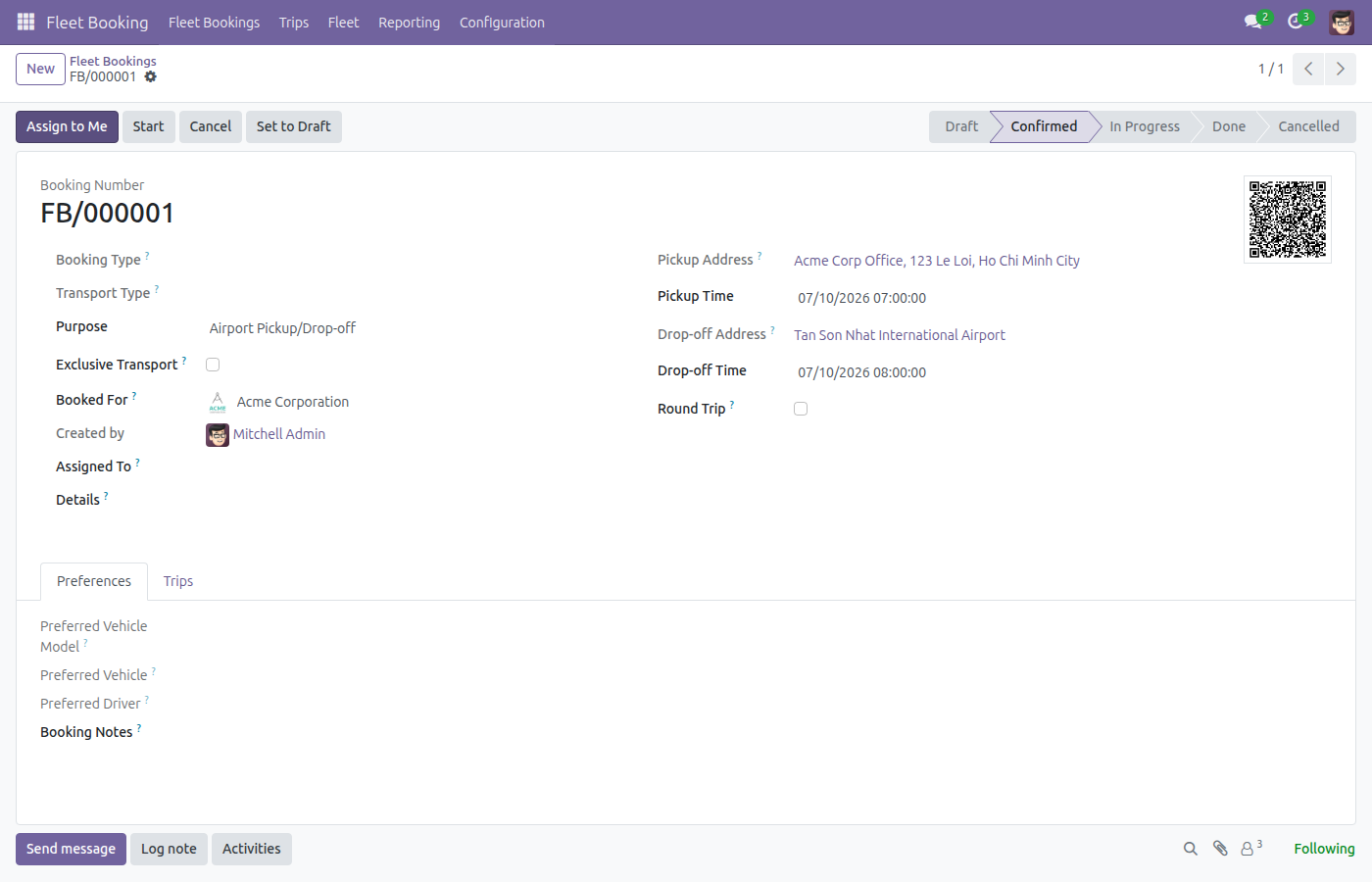
Two screens.

1

The bookings

Vehicle, requester, period and state - the register the fleet manager reads.

Fleet bookings
2

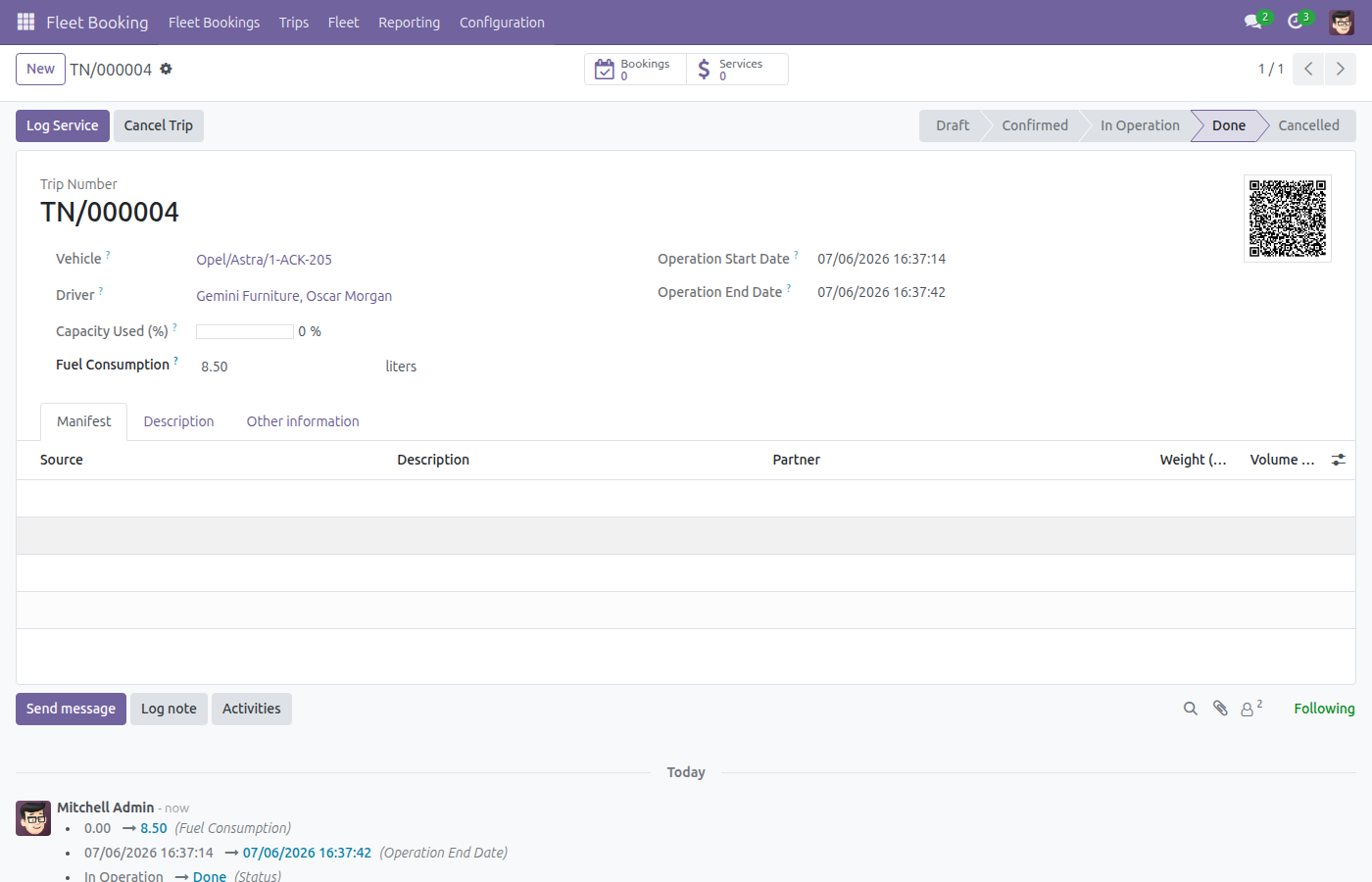
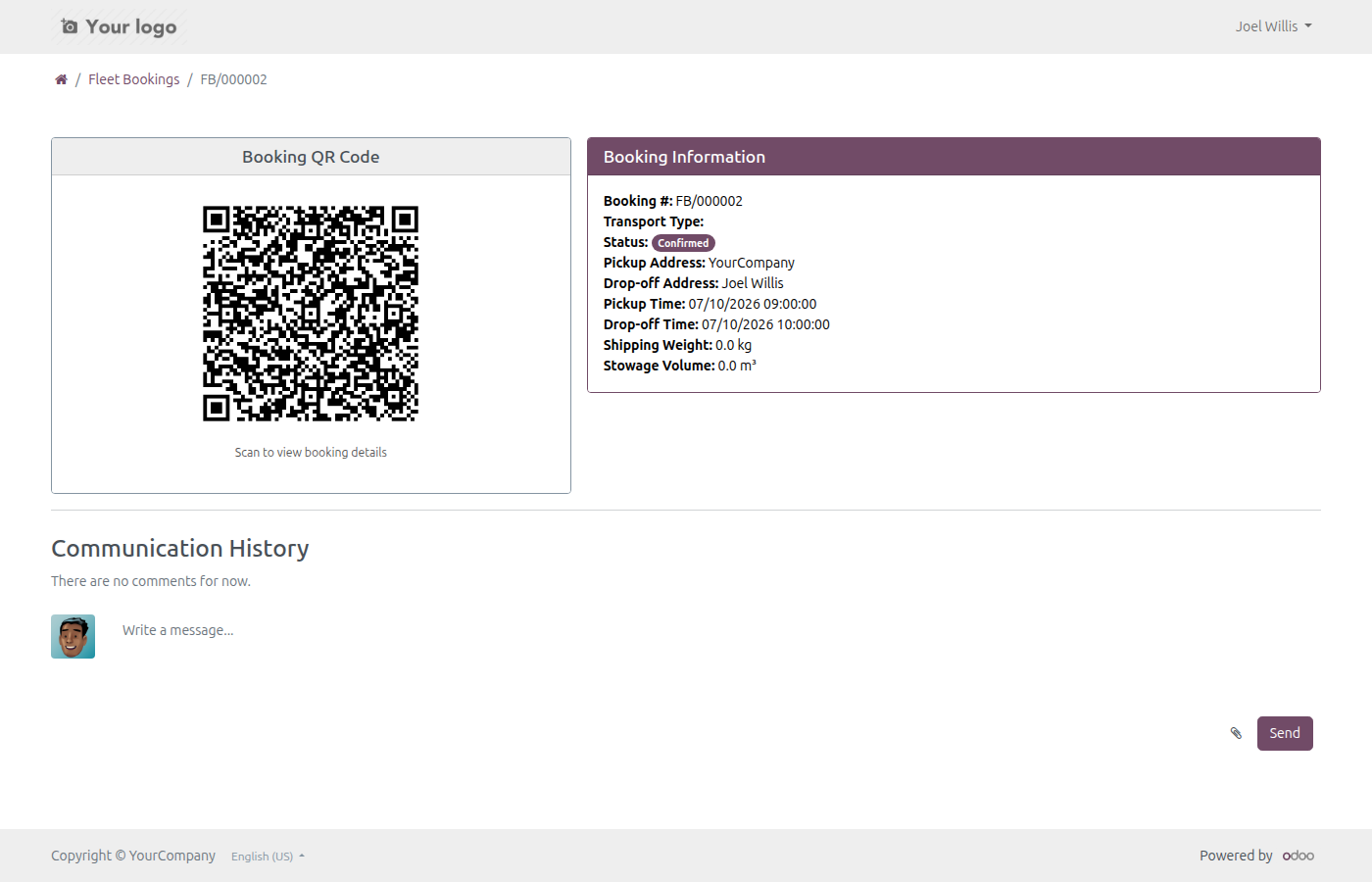
One booking

The vehicle, the driver, the purpose and the period, with its approval state.

A booking

What You Get

Bookings with vehicle, driver, purpose and period

State from draft to confirmed, with approval where required

Against the vehicles and drivers the fleet already holds

Visible as a list and per vehicle, so conflicts surface early

Works with the approval engine for policies that need a signature

The basis for cargo, accounting and stock extensions

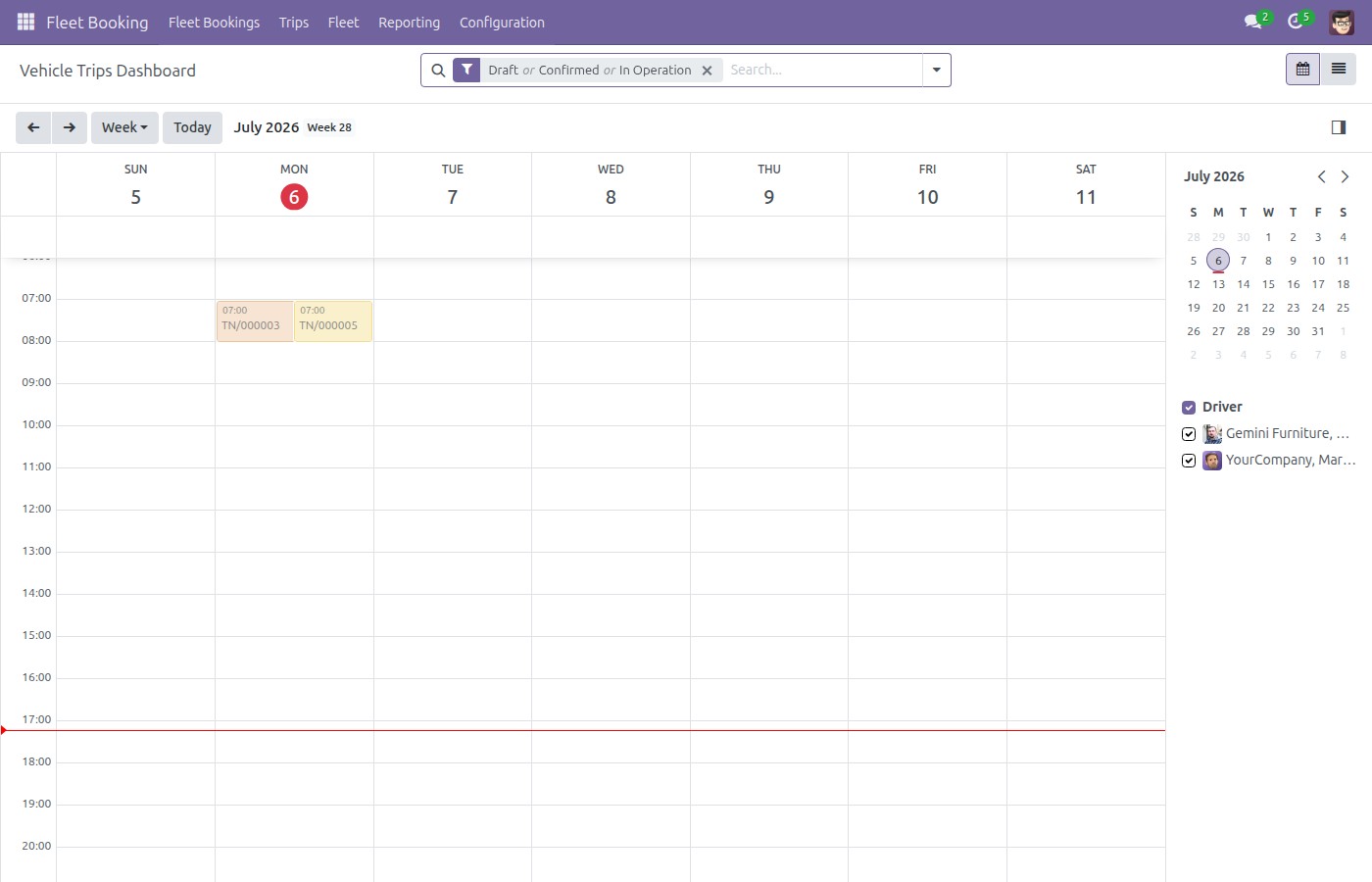
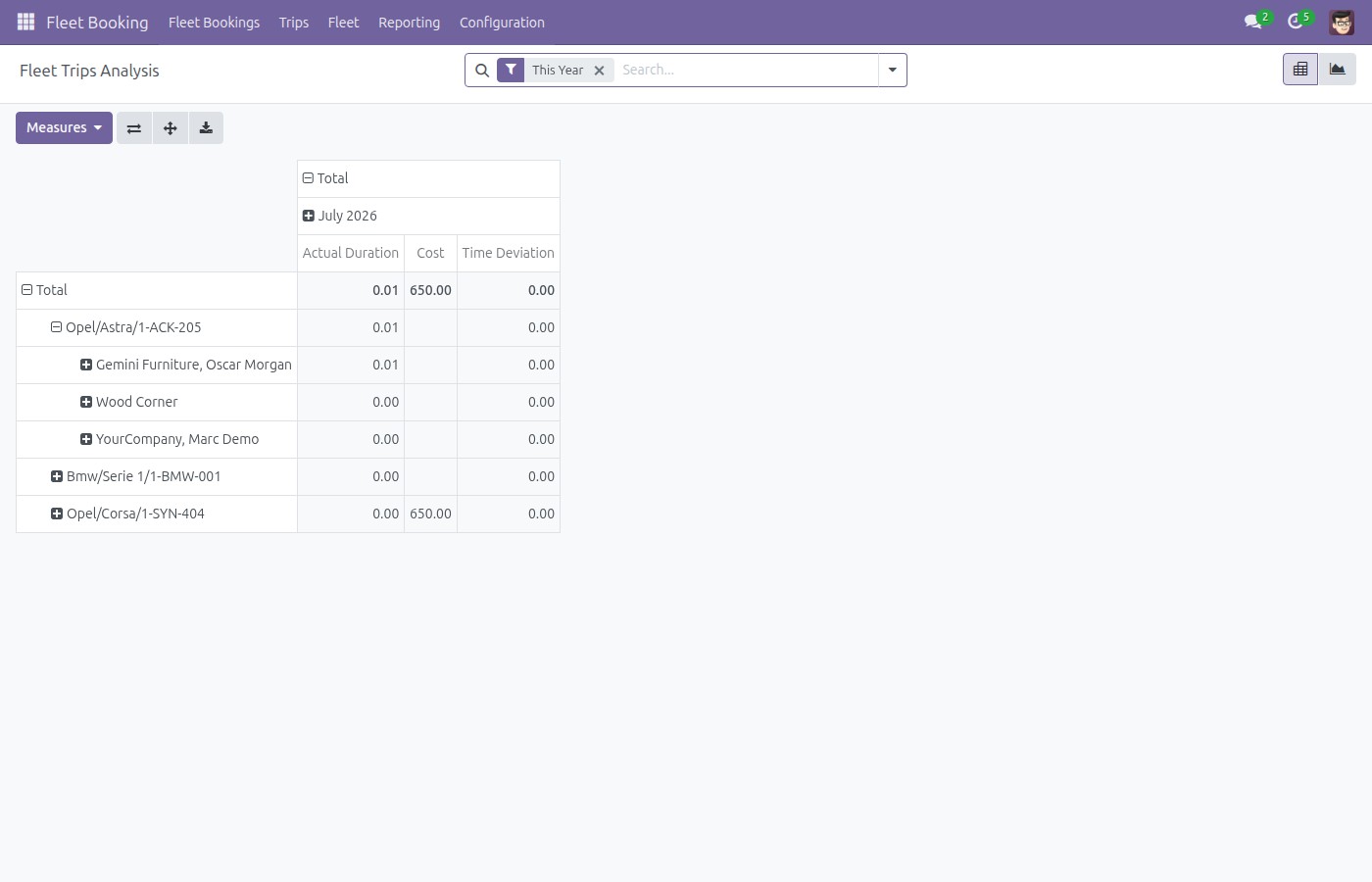
More Screens

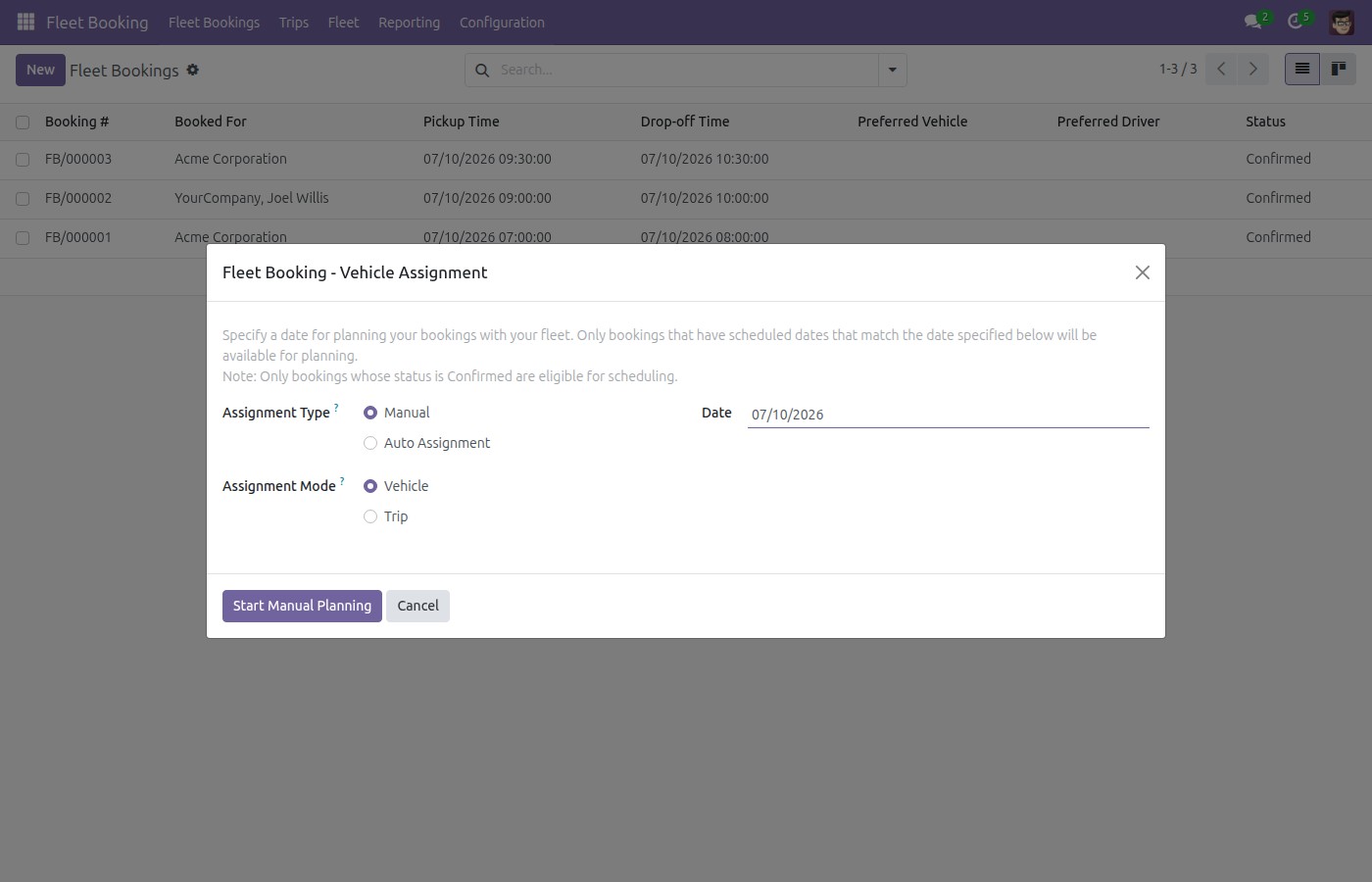
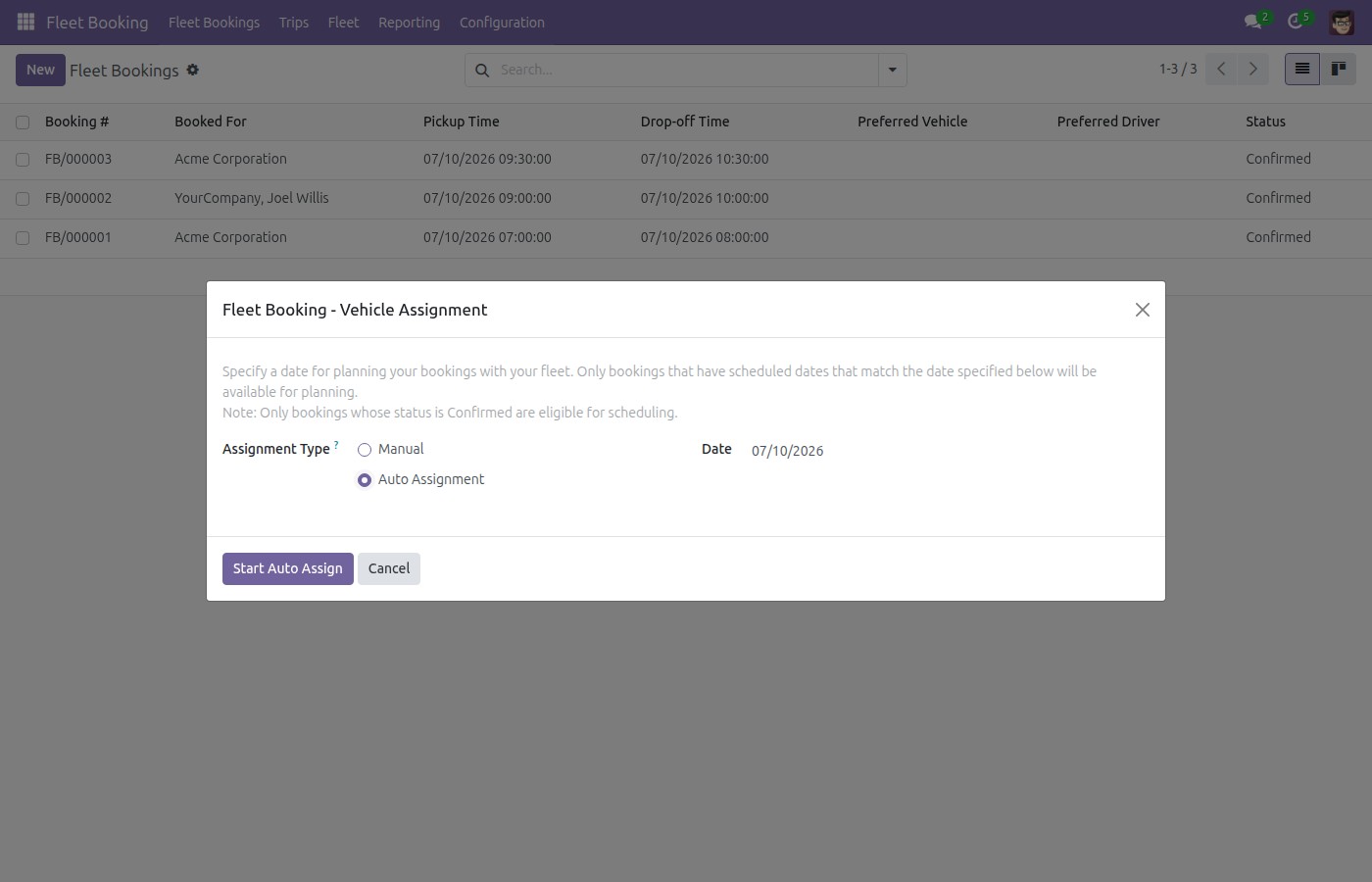
Everything below was taken on a database seeded with real business data, on this series - not a mock-up and not a screenshot from an older version.

A booking

A booking

What This App Does Not Do

Read this before you buy. Everything below is something the app deliberately leaves to another app or to you.

It is not a route planner.

Trips, waypoints and dispatch are Fleet Planning.

It does not price the trip.

Cost extensions are separate modules on top.

It does not manage maintenance.

A vehicle in service is still managed in the fleet app.

Approval needs the approval engine.

Without it a booking is confirmed by the fleet manager.

Who Should Use Fleet Booking & Trip Management?

Employee

Asks for a car with a purpose and a time, not a message.

Fleet manager

Sees the week and who is holding which vehicle.

Driver

Knows the assignment before the morning of the trip.

Manager

Approves a booking where the policy says so.

Frequently Asked Questions

What does Fleet Booking & Trip Management do?

Vehicle bookings with a driver, a purpose, a period and an approval - so a shared fleet stops being a conversation in a chat group.

What does Fleet Booking & Trip Management not do?

It is not a route planner. Trips, waypoints and dispatch are Fleet Planning. It does not price the trip. Cost extensions are separate modules on top. It does not manage maintenance. A vehicle in service is still managed in the fleet app. Approval needs the approval engine. Without it a booking is confirmed by the fleet manager.

Who is Fleet Booking & Trip Management for?

Employee: Asks for a car with a purpose and a time, not a message. Fleet manager: Sees the week and who is holding which vehicle. Driver: Knows the assignment before the morning of the trip. Manager: Approves a booking where the policy says so.

Which Odoo version and editions does it support?

Odoo 17.0 - Odoo Community, Odoo Enterprise, Viindoo Cloud. Upgrades to a newer Odoo series are a separate purchase for that series.

What does it depend on?

It installs on top of: viin_qrcode, viin_fleet_loading_capacity, viin_hr, to_fleet_driver. Odoo installs them with it.

How do I set it up?

Two screens.

What works well with it?

Fleet Planning (viin_fleet_planning): Dispatch and routes for the same vehicles. Booking Accounting (viin_fleet_booking_account): What a booking costs, in the books. Fleet Drivers (to_fleet_driver): The people who drive them.

Can I try it before buying?

Yes - the Live Preview button at the top of this page opens the module's own screen on a working database.

How do I get support?

Write to apps.support@viindoo.com with your Odoo version and the technical name viin_fleet_booking; pre-sales questions go to sales@viindoo.com.

See Fleet Booking & Trip Management in Action

Live demo: v17demo-int.viindoo.com/web#action=viin_fleet_booking.action_fleet_booking

Need help with Fleet Booking & Trip Management?

For questions, implementation support or a custom feature, contact Viindoo.

Pre-Sales & Partnership

sales@viindoo.com

Technical Support

apps.support@viindoo.com

Answered within one working day.

Upgrades to a newer Odoo series are a separate purchase for that series.

All Viindoo apps: apps.odoo.com/apps/modules/browse?author=Viindoo

About Viindoo. Viindoo builds and maintains more than 1,000 apps on the Odoo App Store for the Community and Enterprise editions and runs them on Viindoo Cloud. A purchase of Fleet Booking & Trip Management covers the 17.0 series: bug fixes on the module reach you through the store, questions go to apps.support@viindoo.com with the technical name viin_fleet_booking, and moving to a newer Odoo series is a separate purchase for that series. Source code is delivered with the module and stays yours to read and adapt.

Technical Requirement

Editions: Odoo Community, Odoo Enterprise, Viindoo Cloud
License: OPL-1

Changes log

1.1.1 - Latest on the 17.0 line

  • Bookings route through the approval engine when it is installed.